Tracelet
Keep the words you changed your mind about.
Tracelet saves your notes and their earlier versions. Jot down an idea, work through a draft, and revisit a sentence you took out along the way. Available on iPhone, iPad, and Mac.
Overview
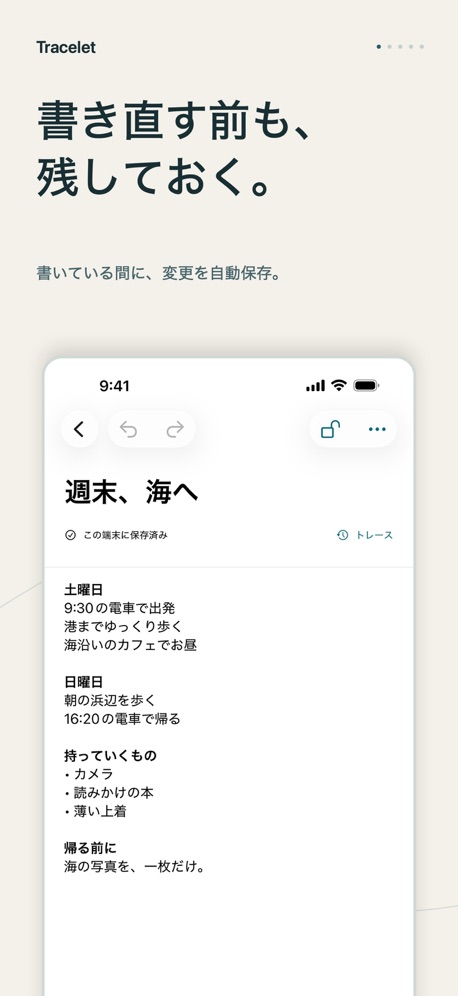
When a note changes, Tracelet automatically saves a version called a trace. The default interval is one minute, and you can adjust it in Settings or save a trace manually at any time. Requires iOS / iPadOS / macOS 26.0 or later and supports multiple languages.
Key Features
- Automatic & manual traces: Changes are captured automatically as traces, and you can also save a trace immediately from the note menu whenever you want.
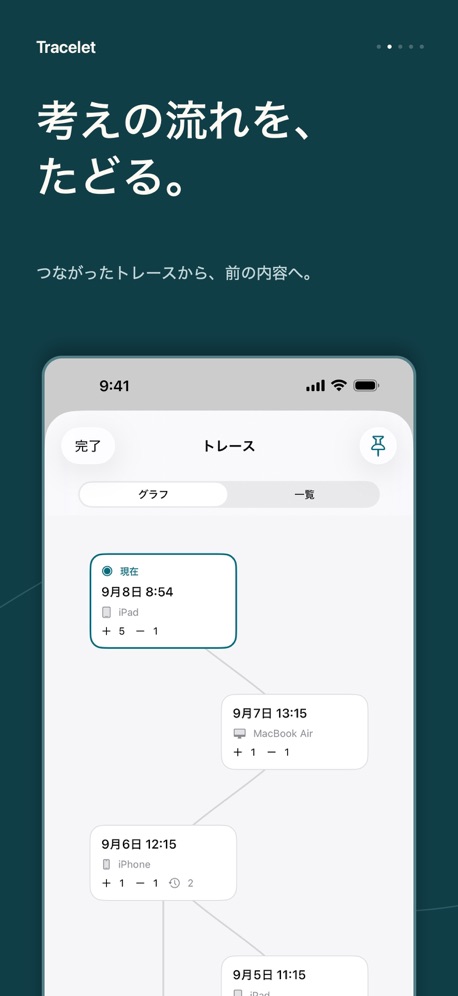
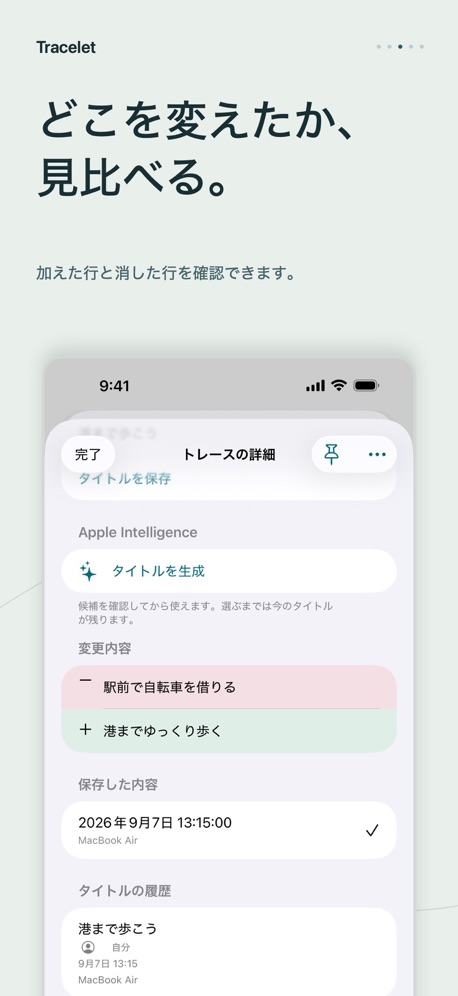
- Compare & restore past versions: Browse traces in a graph or list to inspect added and removed lines, save times, and the device used. Title or pin useful traces, restore an earlier version, or branch it into a new note — your current changes are saved first before restoring.
- Everyday note-taking: Format notes with headings, bold text, lists, and links; organize them into folders; lock a note to prevent accidental edits; share notes or traces; and export or import library backups.
- Activity, Widgets & Shortcuts: Review saved changes by day in Activity, view lines added, lines removed, and saved changes for today, this week, or this month in Widgets (scoped to all notes, a folder, or a single note), and jump straight to frequent notes or folders via Shortcuts.
Screenshots
Privacy & On-Device Processing
Notes, folders, and traces are stored on your device, and the app does not send note text to any developer-operated server. Turn on iCloud Sync to sync across your iPhone, iPad, and Mac through your private iCloud database. There are no ads, tracking, or independent analytics.
When Apple Intelligence is available for your device and language, Tracelet can suggest trace titles entirely on device. Note text is never sent to a separate AI service, and titles you write yourself are never replaced automatically.
Pricing & Tracelet Contributor
- Core features (Free): Create up to 30 notes and 3 folders. Writing, traces, iCloud sync, widgets, and library backups are all free.
- Tracelet Contributor (auto-renewing every 3 months): Create up to 10,000 notes and 10,000 folders, and organize folders inside other folders. One subscription works across iPhone, iPad, and Mac.
Even after a Contributor subscription ends, you can continue to read, edit, export, and delete every existing note and use existing subfolders (free limits apply to newly created items, and creating new subfolders requires Contributor).